
Discussion details
Support for Implementing Partners and Framework Contractors
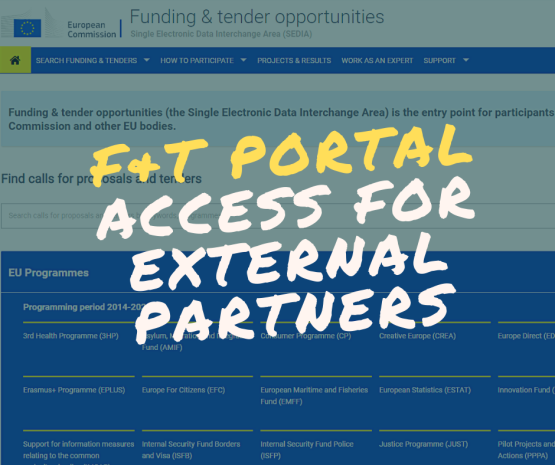
As an Implementing Partner, you can access your interventions and notifications, as well as update the results for your projects. You first need to have an active EU Login account, to then login to the Funding & Tenders Portal, and to have been granted access by your Operational Manager to the intervention. Guidance on managing your interventions is available here.
As a Framework Contractor, you can access your invitations, submit a tender offer, and manage your contracts via the Funding & Tenders Portal. Calls for tender are now open to contractors under the Framework Contracts SIEA 2018, AUDIT 2018, PSF 2019, EVA 2020, and EVENTS 2020. View the dedicated documentation here.
For Technical Support
If you need technical assistance as an External Partner, you can contact the SEDIA SUPPORT HELPDESK
For Business Queries
You can reach out to OPSYS CHANGE MANAGEMENT for any operational and/or business related aspects
Step-by-Step Guides
You can also check out the step-by-step guides on the EXACT External Wiki dedicated to External Partners
Text by Gary Surquin
Communication & Documentation Officer – OPSYS Change Management & User Engagement, DG DEVCO R4
Document by Laura Maria Gonzalez Alberti
Senior Trainer – OPSYS Change Management & User Engagement, DG DEVCO R4
Log in with your EU Login account to post or comment on the platform.